
YouTube to MP3 Converter: Complete Guide for Easy Audio Extraction
A YouTube to MP3 converter allows users to extract audio from videos and save it in MP3 format. Whether you want to listen to music offline, save podcasts, or store educational content, these tools offer a simple solution.
With the growing popularity of YouTube, many users look for convenient ways to access audio without needing an internet connection. This guide explains how these converters work, their benefits, and important safety tips.
What Is a YouTube to MP3 Converter
A YouTube to MP3 converter is a tool that converts video content into downloadable audio files. These tools can be web-based, software applications, or browser extensions.
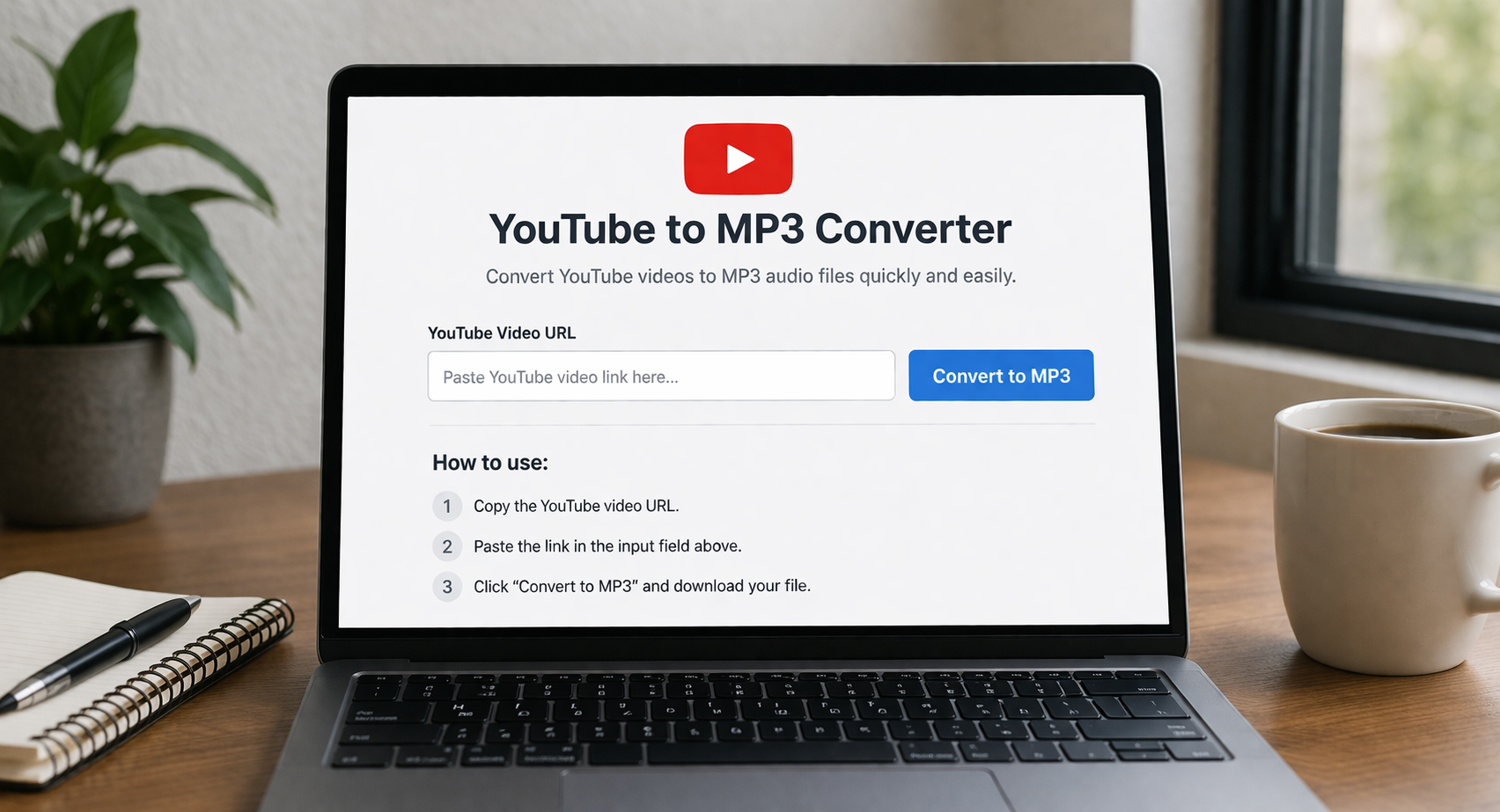
The process is simple. You copy the video link, paste it into the converter, and select MP3 as the output format. Within seconds, the tool processes the file and provides a download option.
Most converters also allow users to choose audio quality, making it easy to balance file size and sound clarity.
How YouTube to MP3 Converters Work
These converters use online processing systems to extract audio streams from video files. Once the video link is provided, the tool isolates the audio track and converts it into MP3 format.
Some advanced tools offer additional features such as trimming audio, adjusting bitrate, and adding metadata like song title or artist name.
Because the process happens quickly, users can convert multiple files in a short time.
Benefits of Using a YouTube to MP3 Converter
Using a YouTube to MP3 converter offers several advantages.
One major benefit is offline access. You can listen to your favorite content anytime without internet connectivity.
Another advantage is convenience. MP3 files can be played on almost any device, including smartphones, tablets, and computers.
It also helps save data. Instead of streaming videos repeatedly, you can download audio once and listen multiple times.
Additionally, these tools are useful for learning. Students can convert lectures or tutorials into audio format for easy review.
Best Features to Look For
When choosing a YouTube to MP3 converter, it is important to consider key features.
Speed is essential. A good converter should process files quickly without delays.
Audio quality is another important factor. Look for tools that support high bitrate options such as 320kbps.
User interface also matters. A simple and clean design makes the tool easy to use.
Security is crucial. Reliable converters should protect your data and avoid harmful ads or malware.
Compatibility with multiple devices ensures flexibility and convenience.
Legal and Safety Considerations
While YouTube to MP3 converters are widely used, it is important to understand legal aspects.
Downloading copyrighted content without permission may violate terms of service. Always ensure that you have the right to download or use the content.
Safety is another concern. Some websites may contain ads or malicious software. Using trusted tools helps reduce these risks.
Avoid downloading unknown files and always verify the source before proceeding.
Tips for Safe and Efficient Use
To get the best experience, follow a few practical tips.
Use well-known and trusted converter tools to avoid security risks.
Check the quality settings before downloading to ensure the best audio output.
Avoid clicking on suspicious ads or pop-ups during the process.
Keep your device protected with updated antivirus software.
Organize your downloaded files properly for easy access later.
Common Mistakes to Avoid
Many users make simple mistakes when using these tools.
One common issue is selecting low-quality audio settings, which affects the listening experience.
Another mistake is using unreliable websites that may harm your device.
Users also forget to check file formats. Always ensure the output is MP3 if that is your requirement.
Ignoring legal guidelines can also lead to problems, so always use content responsibly.
Conclusion
A YouTube to MP3 converter is a practical tool for anyone who wants quick and easy access to audio content. With the right tool and proper usage, you can enjoy high-quality audio anytime and anywhere.
By focusing on safety, legality, and quality, you can make the most of these tools while avoiding common issues.
FAQs
What is a YouTube to MP3 converter
It is a tool that converts YouTube videos into downloadable MP3 audio files.
Is it safe to use a YouTube to MP3 converter
Yes, if you use trusted and secure tools.
Can I use it on mobile devices
Yes, many converters are compatible with smartphones and tablets.
Is downloading YouTube audio legal
It depends on the content and usage rights. Always follow copyright rules.
What audio quality should I choose
Higher bitrate options like 320kbps provide better sound quality.